




























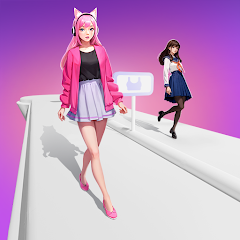



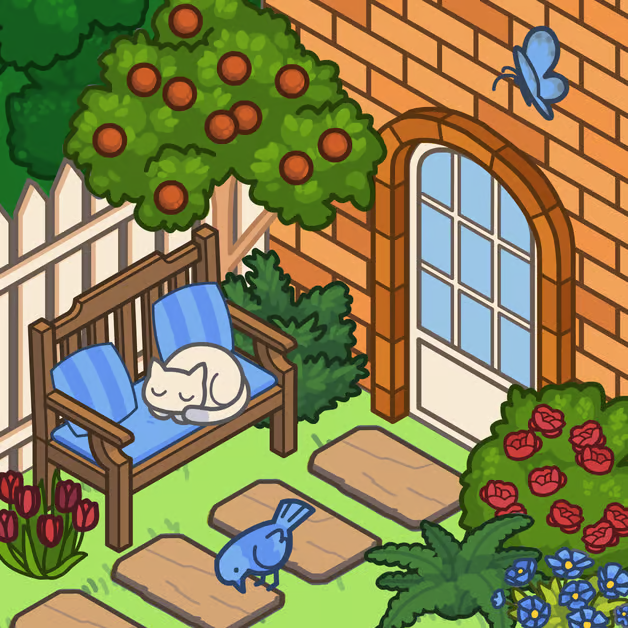







Quick assessment: VeroLife is a relaxed creative toy that splits its attention between fashion styling and interior decoration. If you enjoy assembling outfits and then seeing that character inhabit a carefully arranged room, this game delivers a pleasant, low-pressure experience. The strongest parts are the variety of clothing and furniture options plus simple color customization; the trade-off is that there’s no complex goal structure, so the appeal depends on how much you enjoy open-ended design rather than challenges or progression systems.
Gameplay loop — what you’ll actually do
VeroLife has a straightforward, two-part loop: design a character, then design a home. You start by mixing and matching outfits, hairstyles, shoes, and accessories until the avatar feels right. The game supports color choices so you can tweak clothing and decor tones to match your vision.
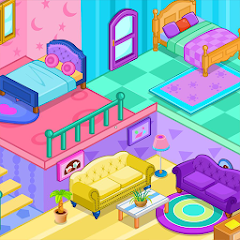
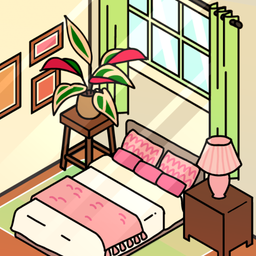
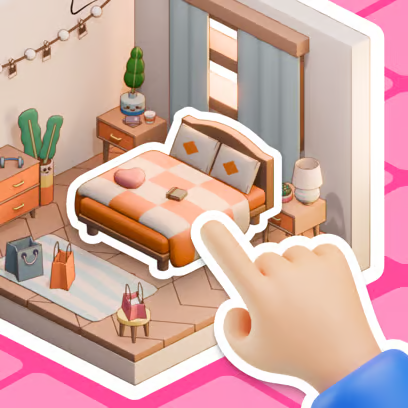
After your character is dressed, you move into interior design mode. Rooms can be furnished with items such as sofas, lamps, wallpapers, plants, and decorative objects. Items are placed via drag-and-drop and can be rotated or deleted using on-screen controls. A nice finishing touch is the ability to pose your character inside the completed room to see how the outfit and environment work together.
The loop encourages iteration: try an outfit, drop it into a matching room, tweak colors or swap a piece of furniture, and pose again until the scene feels cohesive.
Desktop controls (mouse / trackpad)
- Click to equip or unequip outfits, hairstyles, and accessories.
- Drag and drop furniture and decorative items to place them in a room.
- Use the on-screen rotate button to adjust item orientation.
- Use the on-screen delete control to remove items you don’t want.
If a control isn’t visible on your screen, follow the on-screen prompts rather than guessing keyboard shortcuts—the game’s interface relies on its own buttons and gestures rather than hidden keys.
Mobile / touch controls
- Tap items to equip or unequip clothing and accessories.
- Drag and drop furniture and decor with your finger to position them in a room.
- Use the rotate control shown near an item to turn it; tap the delete control to remove items.
The developer’s notes mention tap, drag, rotate, and delete as the primary interactions. For any gestures not explicitly shown (for example, two-finger gestures), rely on the game’s on-screen instructions rather than assuming support for other touch shortcuts.
Practical tips
- Design the look first: Start with the character’s outfit, then build a room palette around that outfit’s dominant colors. It makes choosing furniture and wall colors feel more intentional.
- Use color customization carefully: Small shifts in hue can change the mood of a scene. Try muted tones for a cozy feel or bright accents for a playful atmosphere, but keep a consistent palette to avoid visual clutter.
- Rotate for depth: Don’t just drop items in place—use the rotate control to create believable layouts. Angling a lamp or plant slightly can make a room feel less staged.
- Mix statement pieces with simple items: Pair one bold furniture item (an eye-catching sofa or rug) with simpler pieces so the scene doesn’t feel overwhelmed.
- Try different poses: Positioning the character in the room changes how an outfit reads. A seated pose versus standing can highlight different accessories and give you new composition ideas.
For players who enjoy splitting attention between clothes and interiors, SnapStyle Dress Up offers a stronger fashion focus, while My Cozy Home emphasizes room decoration—both can be useful touchstones if you want to concentrate on one side of VeroLife’s design blend.
Difficulty and experience assessment
Learning curve
Very low. The interface is designed for quick visual experimentation rather than detailed simulation. New players will understand the basics within minutes.
Pace
Leisurely and exploratory. There’s no timed pressure, so sessions can be as short or lengthy as you like—perfect for relaxed play.
Frustration potential
Minimal, though placing and fine-tuning items can sometimes feel a bit fiddly depending on your device’s precision (mouse vs. touch). If a control isn’t obvious, consult the onscreen prompts rather than assuming extra gestures or shortcuts.
Replay value
Moderate to high for players who enjoy open-ended creation. Because there’s no rigid goal structure, replay value comes from trying new aesthetics and combinations rather than unlocking content.
Who will enjoy VeroLife?
Players who like design-first experiences—kids and adults who enjoy dress-up and room decoration—will find this title satisfying. If you prefer games with clear objectives, progression, or competitive elements, VeroLife’s freeform format may feel less engaging.
Related games worth trying
These selections share a genre, control style, or play rhythm with this game.